TikTok Interactive Games for Live Streamers
KATTTIK brings together a game catalog, streaming tools and setup resources for TikTok Live creators. Viewer gifts, likes, follows or comments can trigger actions only when the chosen game and integration support them. Check the requirements with us before streaming.




Integrations
Select a game or streaming tool to review its details.
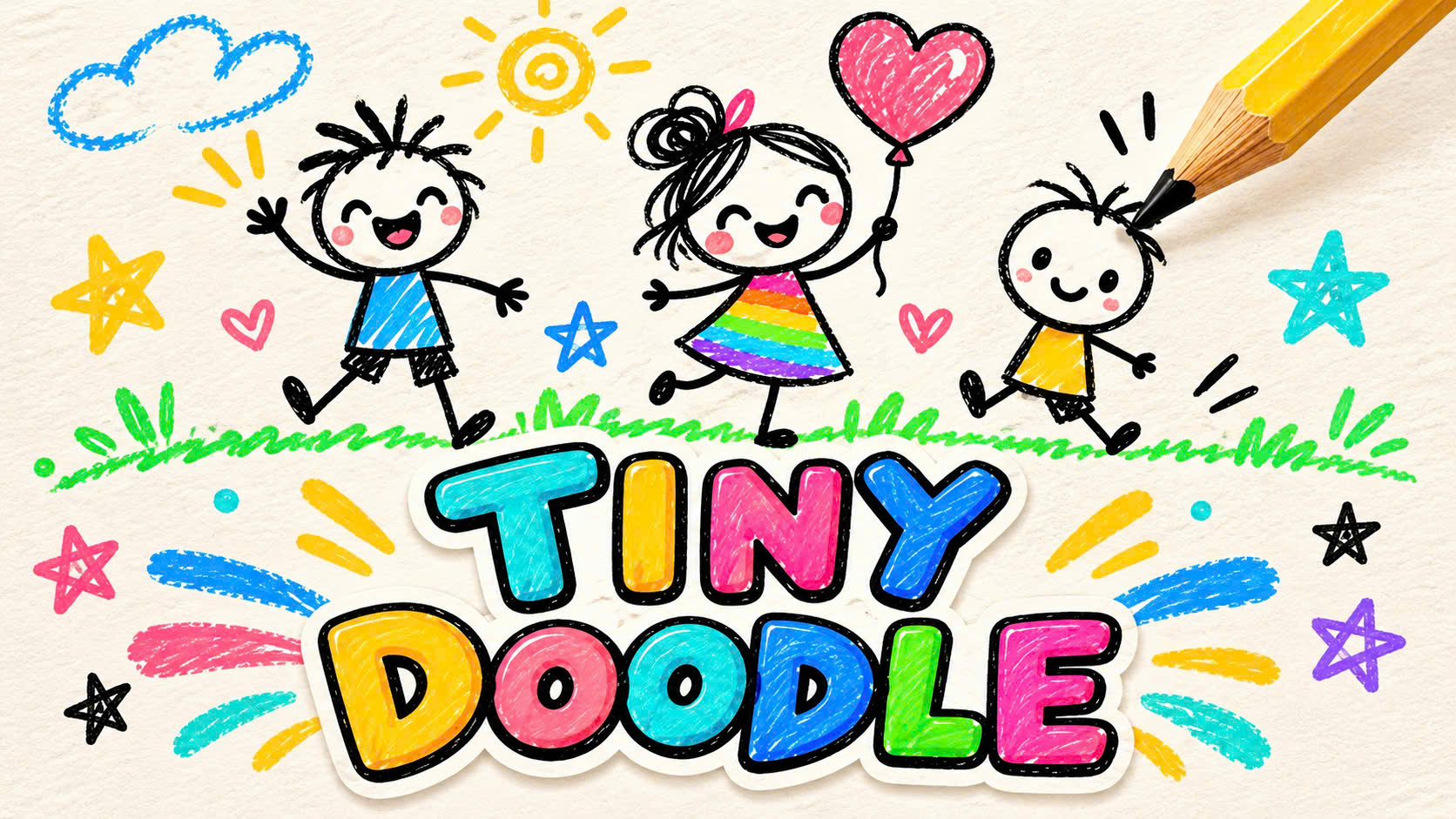
Tiny Doodle
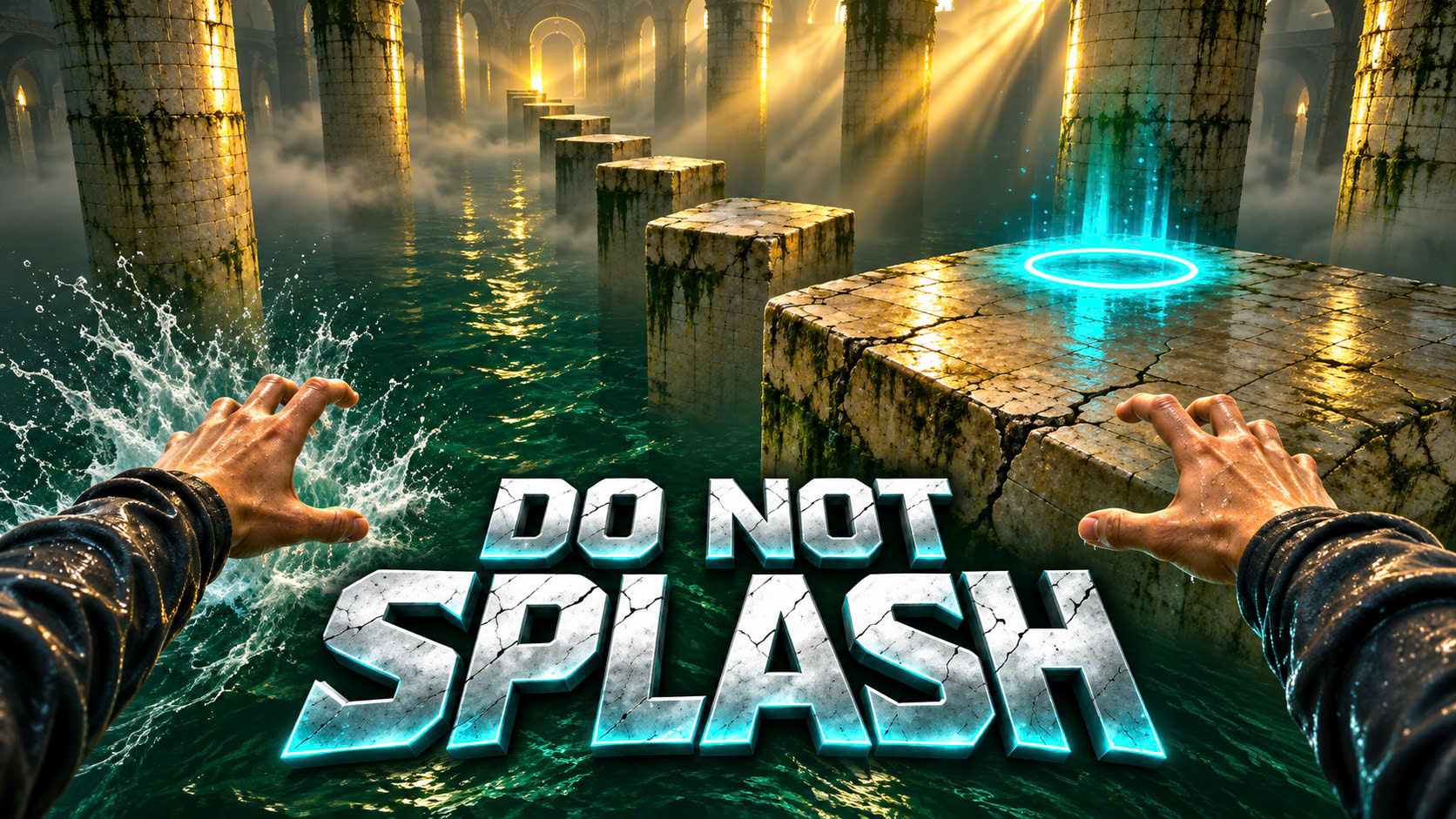
Do Not Splash
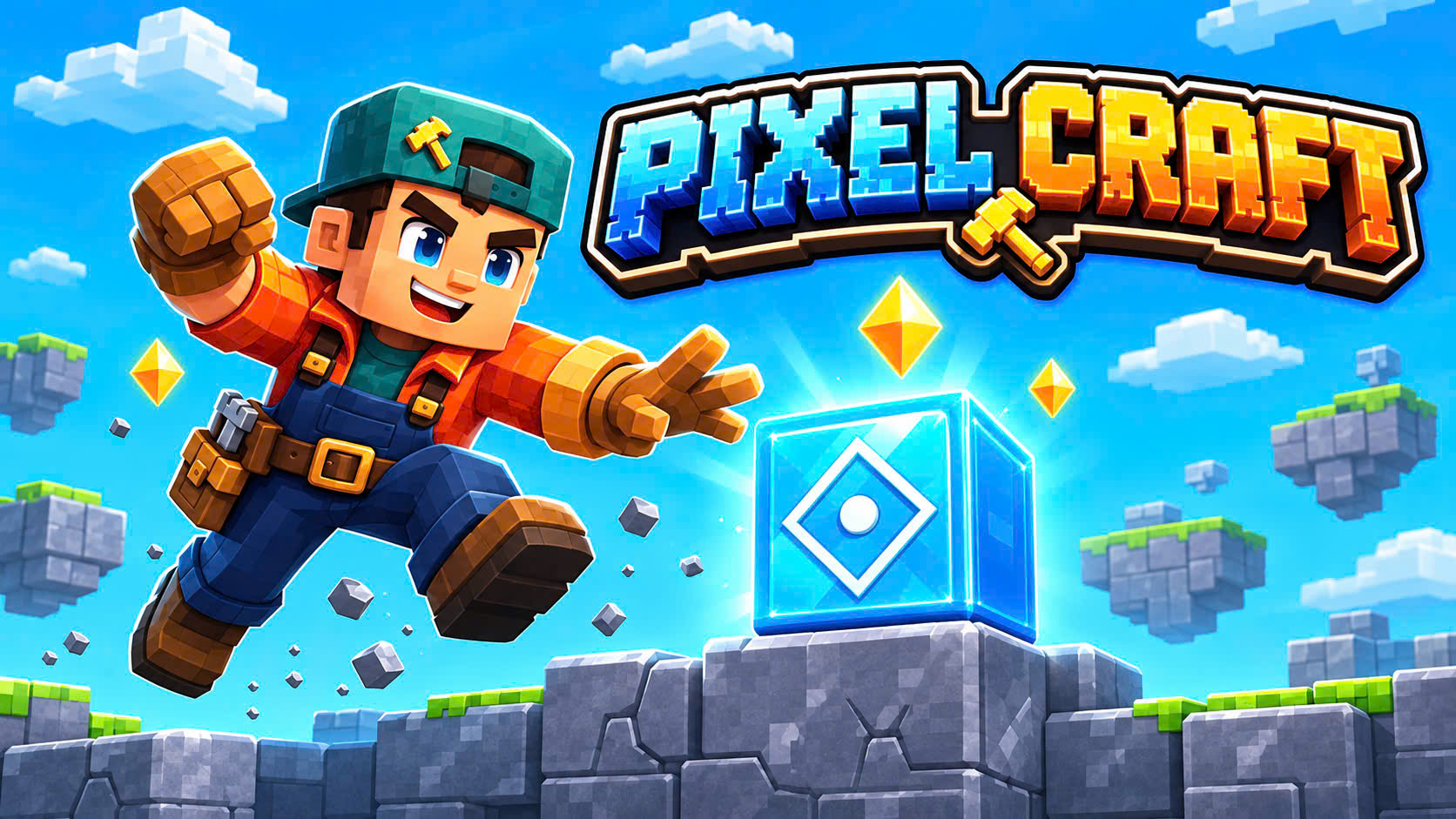
VoxelCraft
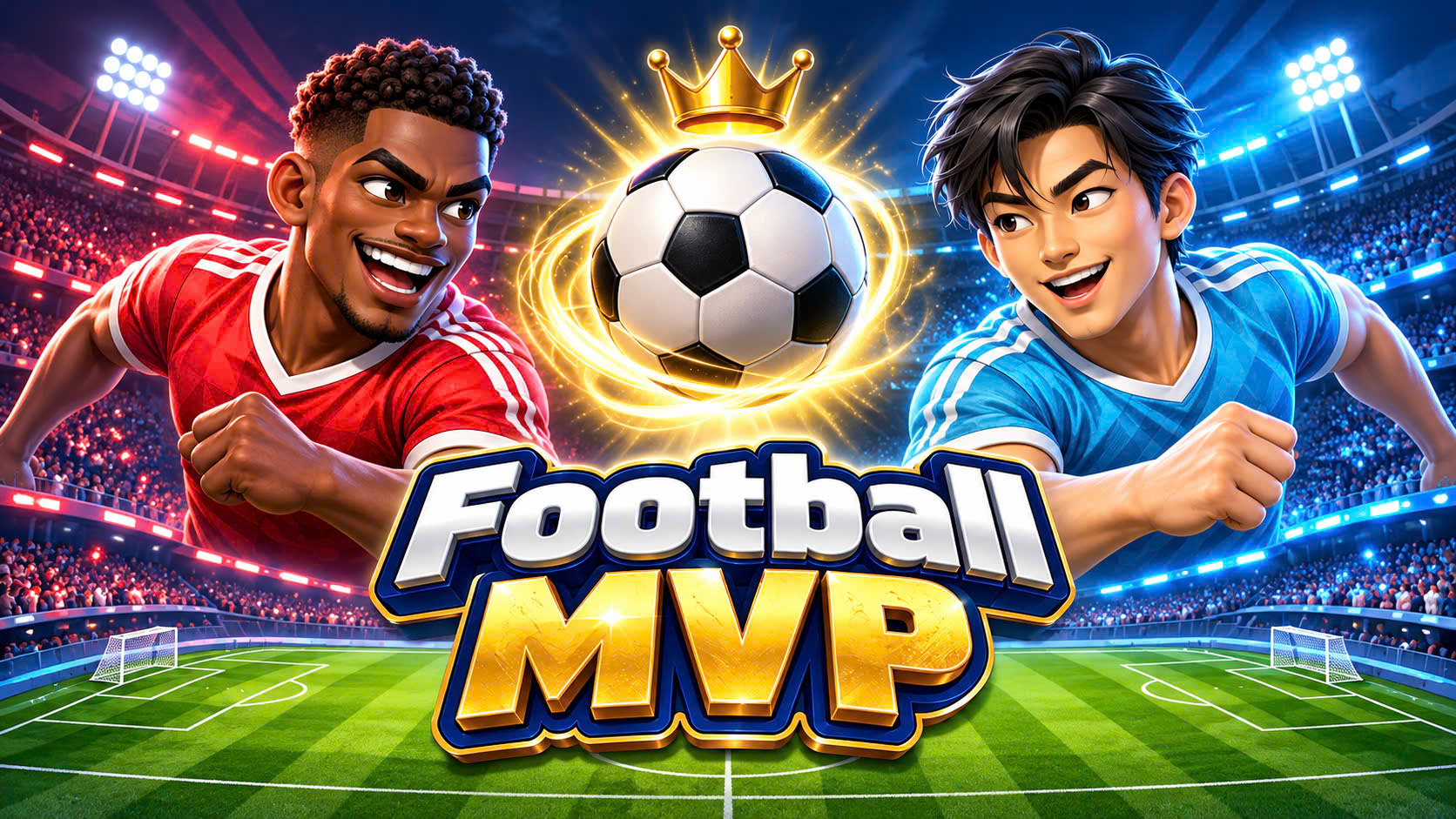
MVP Football
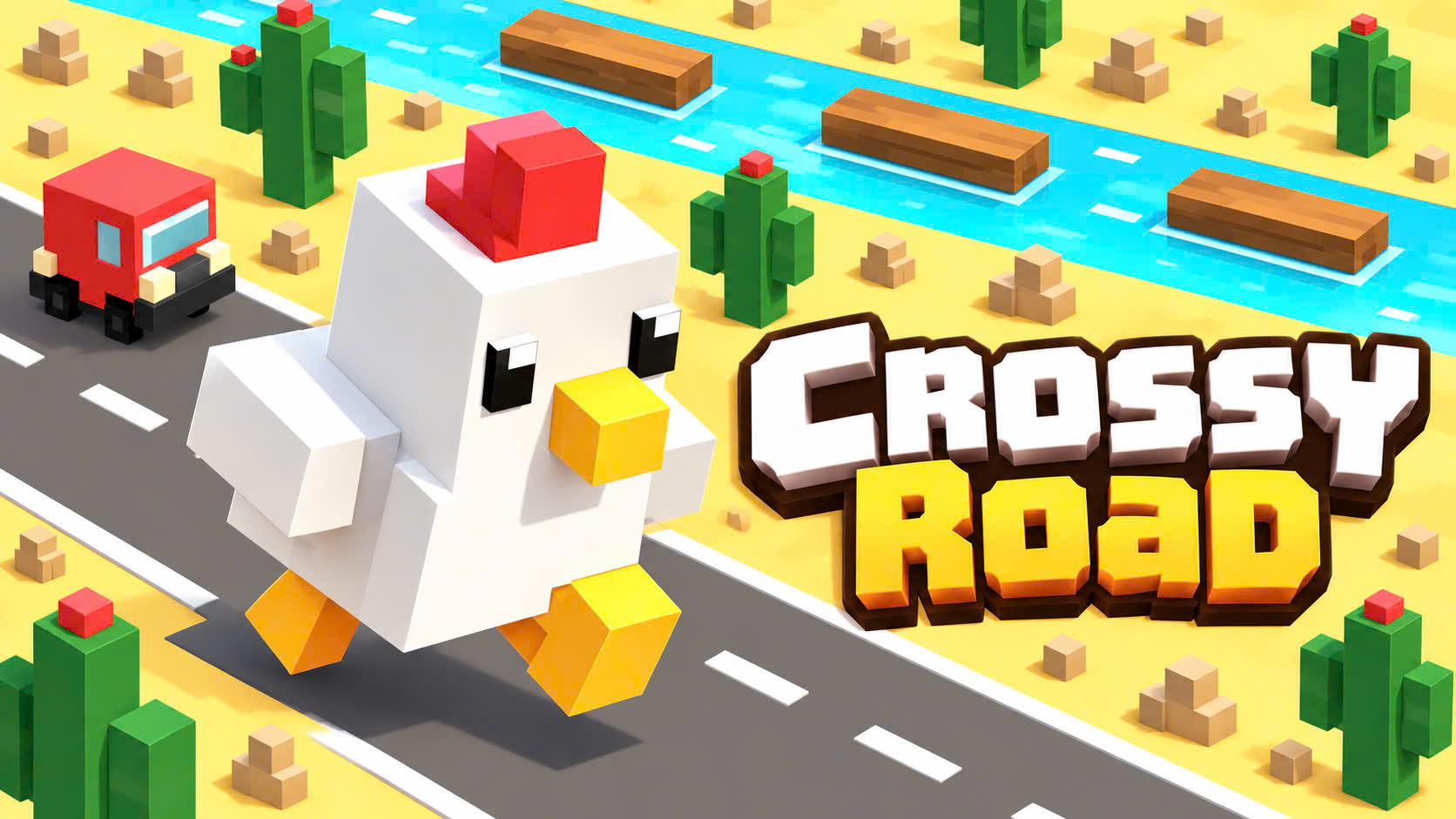
Crossy Road
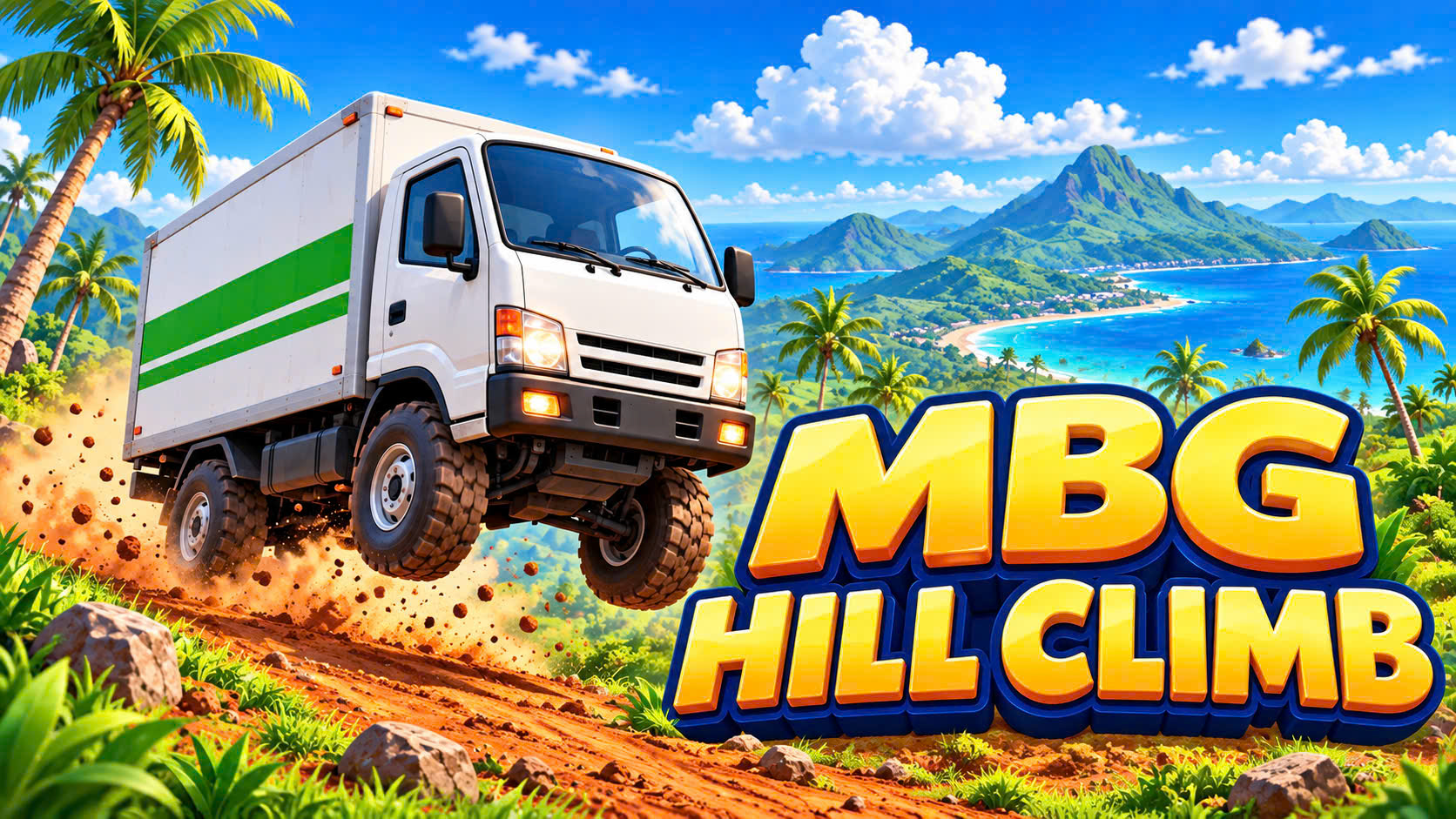
MBG
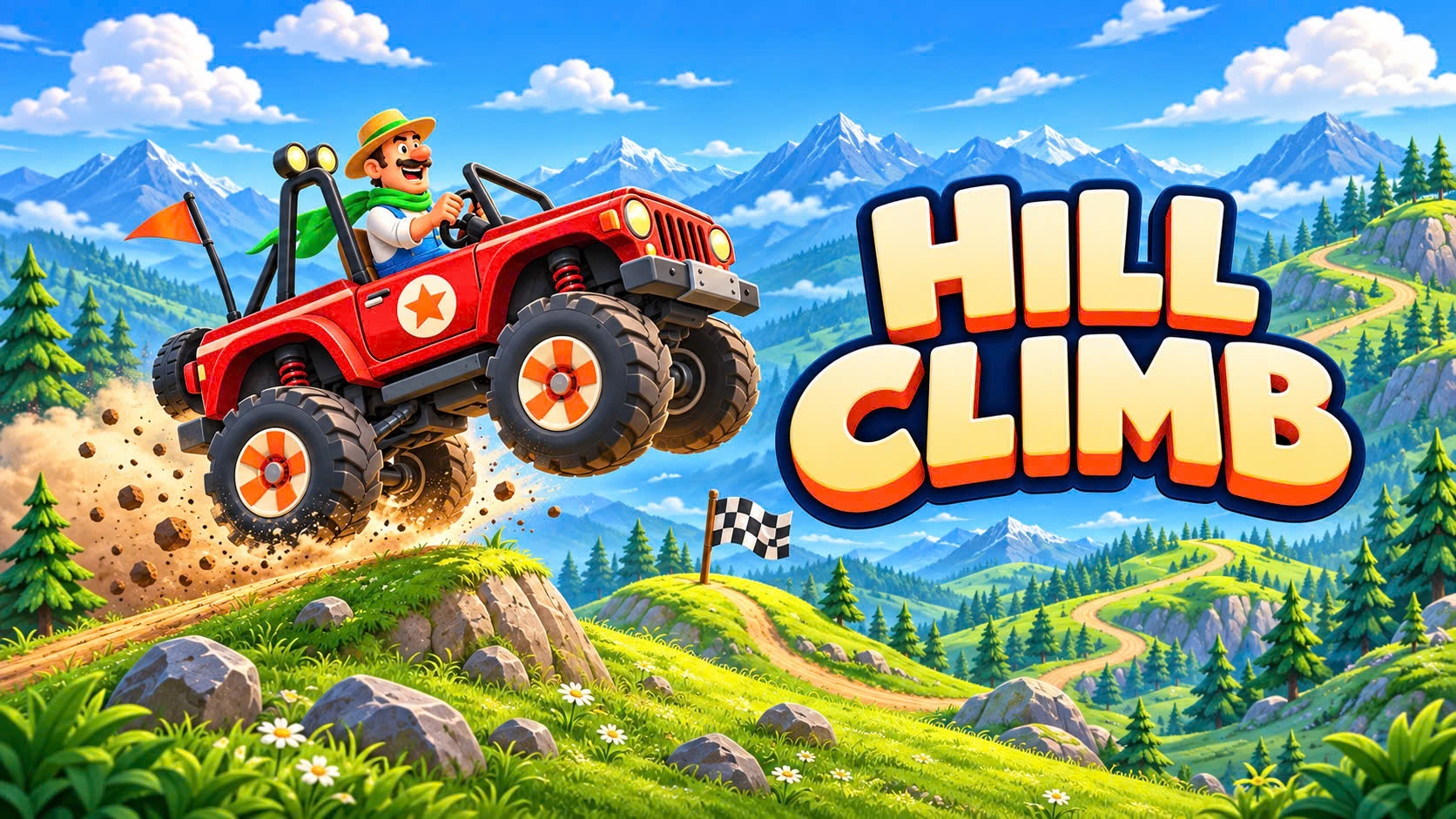
Hill Climb
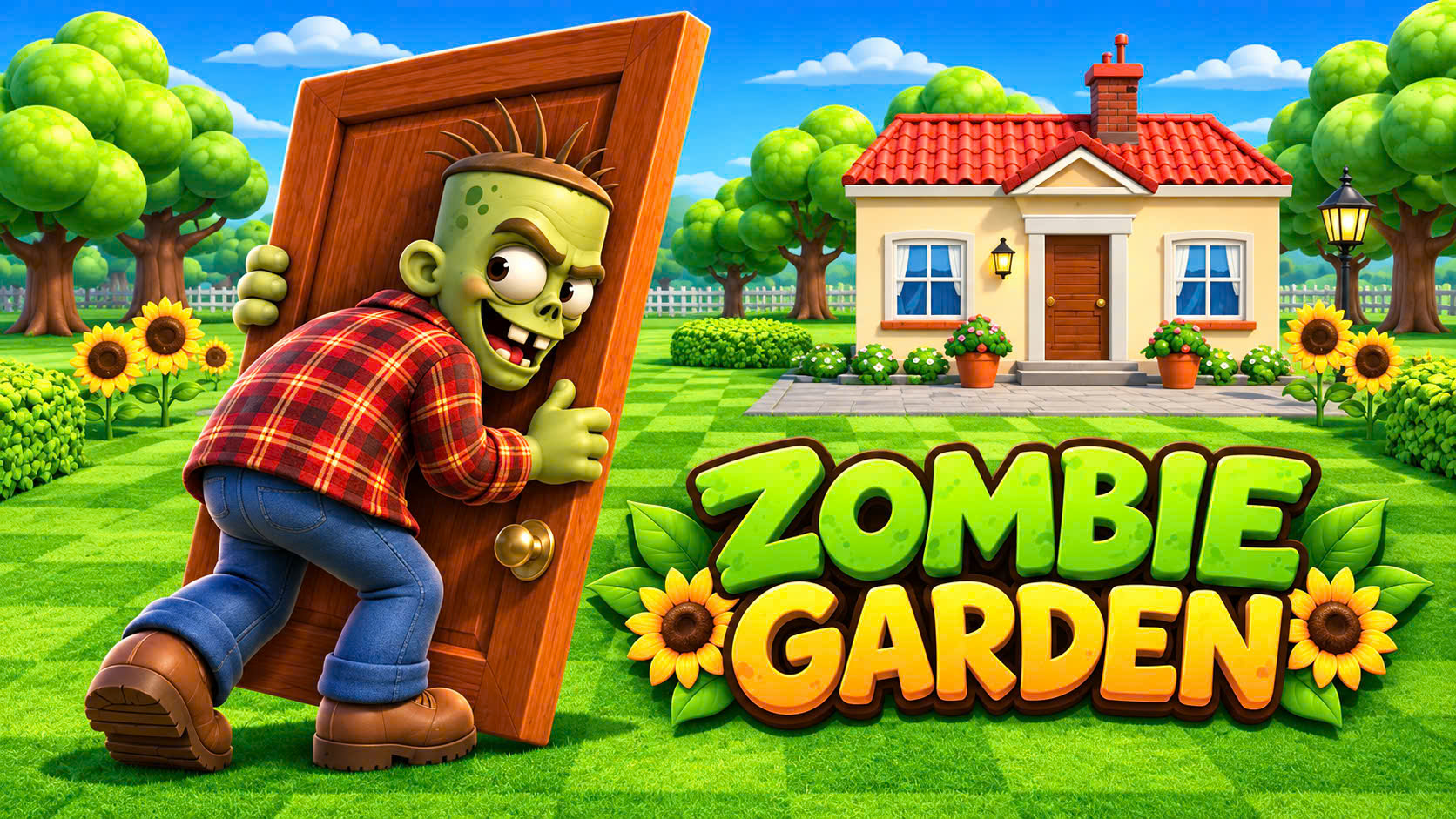
Zombie Garden
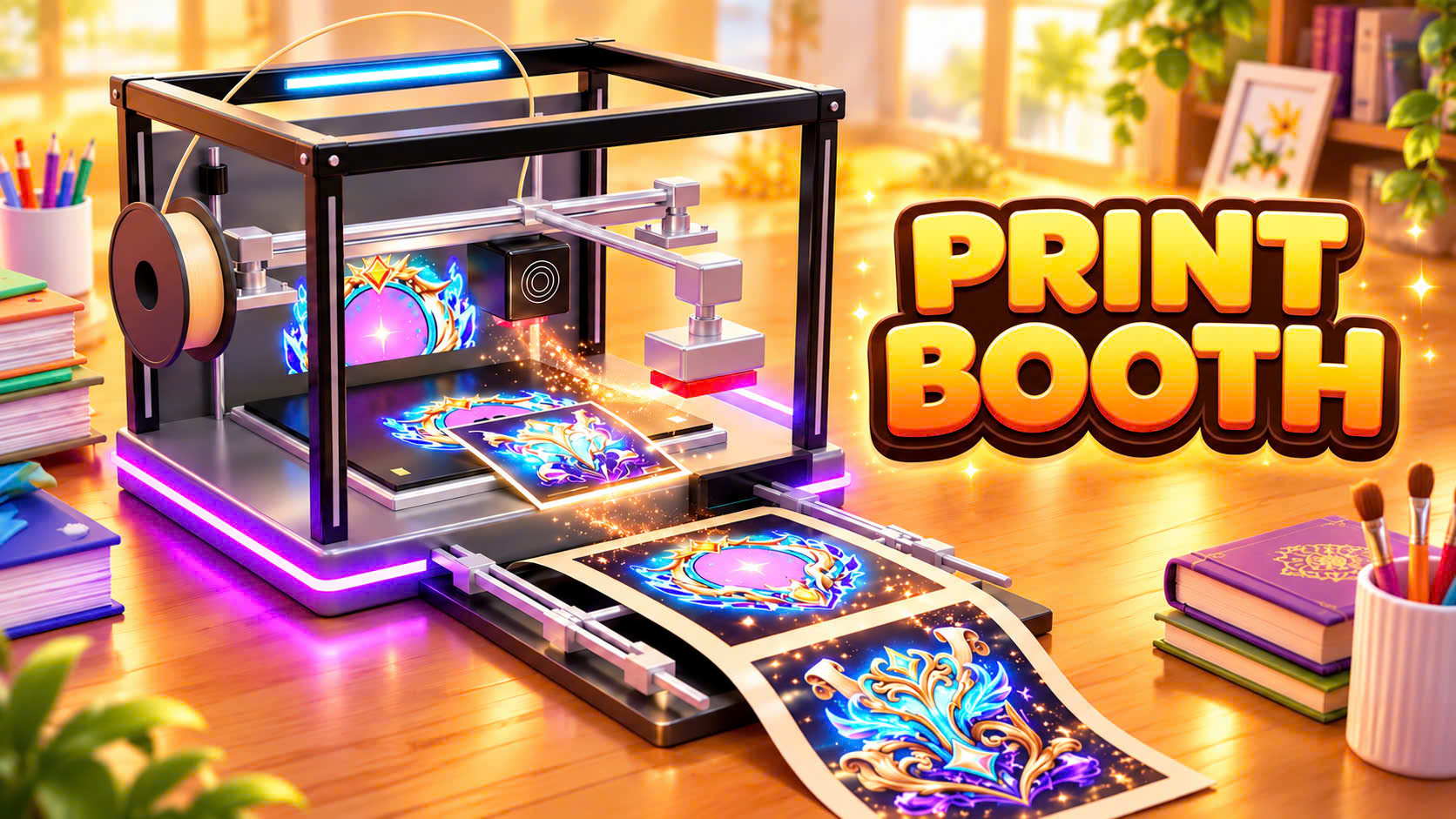
Print Booth
Tower War
Avatar Strike
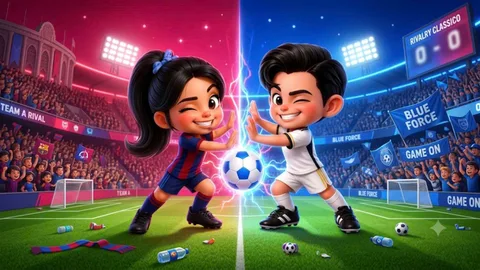
Girl vs Boy
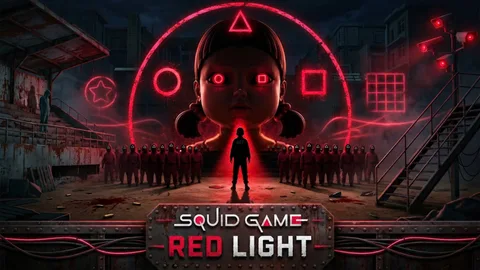
Squid Game

TikDance
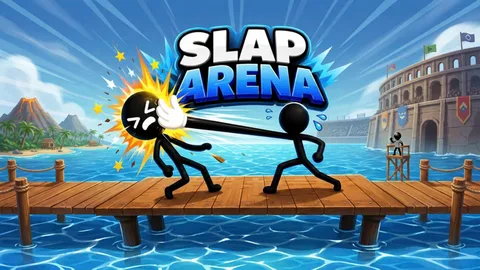
Slap Arena

Horse Race

Swim Race
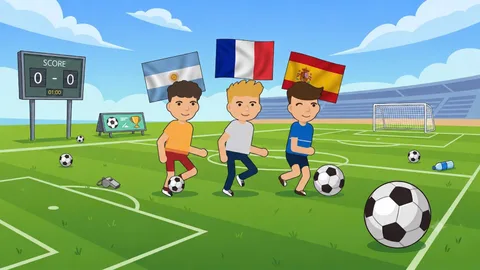
Football Race
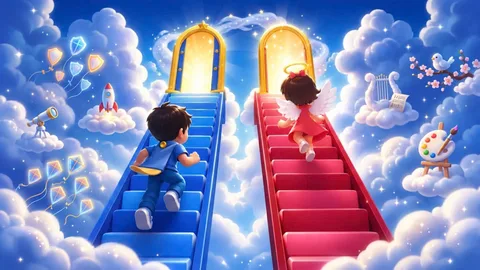
Ridge Race
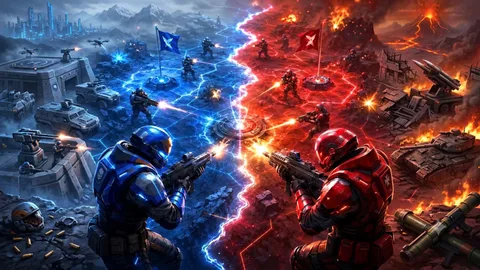
Photo War
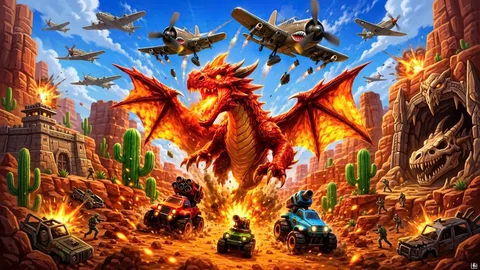
Tank Battle
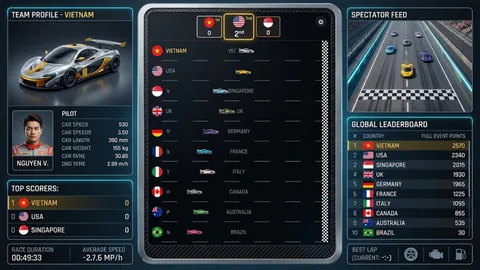
Car Race

Streamer.bot

OBS Studio
What Are TikTok Interactive Games?
An interactive game lets viewers influence what happens during a TikTok LIVE. The creator runs the game and chooses an effect viewers can see. A comment or Gift can trigger that effect when the account, game and connection support the event.
How TikTok Interactive Games Work
Follow one action through three steps. Check that the event reaches the connector, that the game applies the assigned action and that the scene shows the result. If the game responds on your computer and the stream looks unchanged, check your capture source.
Explore Interactive Games for TikTok Live
Compare the Car Race and Horse Race previews at phone size. Pick a scene you can explain in one sentence, then check whether your camera or captions cover the action. Use Contact to confirm the device and software needed to host each game.
Explore All GamesGetting Started
Check your TikTok LIVE access, then make a short local recording with your game and streaming app. Review picture, sound and framing. If your connector has a documented test mode, rehearse one supported interaction and verify that the result appears in your scene.
Read setup documentation · TikTok RulesFrequently Asked Questions
Can gifts, likes, follows or comments trigger actions?
Support depends on the game version, connection and account. When testing a LIVE Gift interaction, confirm that the connector received it and that the assigned action appeared in the game. A Gift alert by itself confirms only what appeared in that alert.
What should I check if the game shows in OBS but does not react?
Act in the game locally and check that the OBS preview updates. Then test one supported viewer event. If the connector receives it and the game stays still, check the assigned action and make sure the intended game session is open.
Which games are supported?
The catalog on this page shows the items currently listed by KATTTIK. Check the detail page and contact us for confirmed compatibility, availability and setup requirements.
Features
Browse the catalog, find a title and reach the right setup resources.
Plan your streaming setup
Read the requirements in your preferred language and confirm the details for your chosen game.
Seven languages
Descriptions and navigation are available in seven languages. Game names stay the same.
Confirm event support
Ask which viewer events and actions your selected game supports before configuring them.
Test before going live
Try one action at a time and check how to pause or stop it in the required software.
Need help choosing a game?
Use Contact to discuss your setup and the interactions you want to offer your viewers.
ContactReady to Stream Smarter?
Choose a catalog item and contact us about your next live setup.